



Investigating
In order to investigate a database you only have to push the "Investigation-Wizard"-button on the "database-examination"-tab.
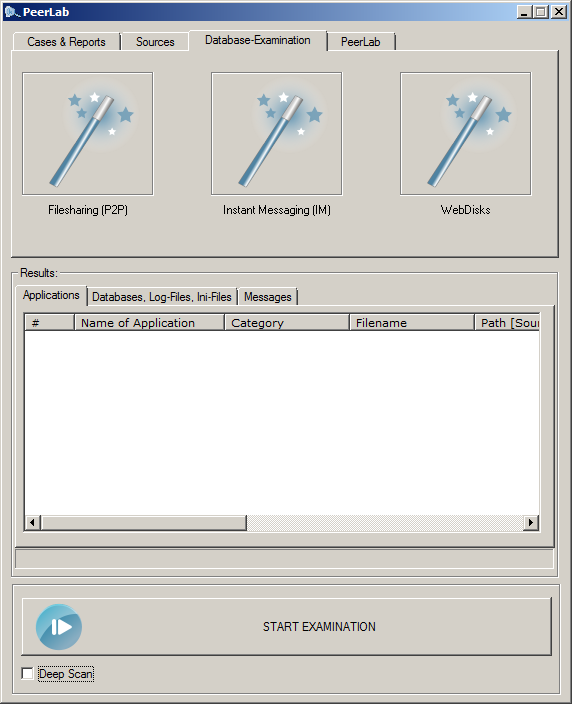

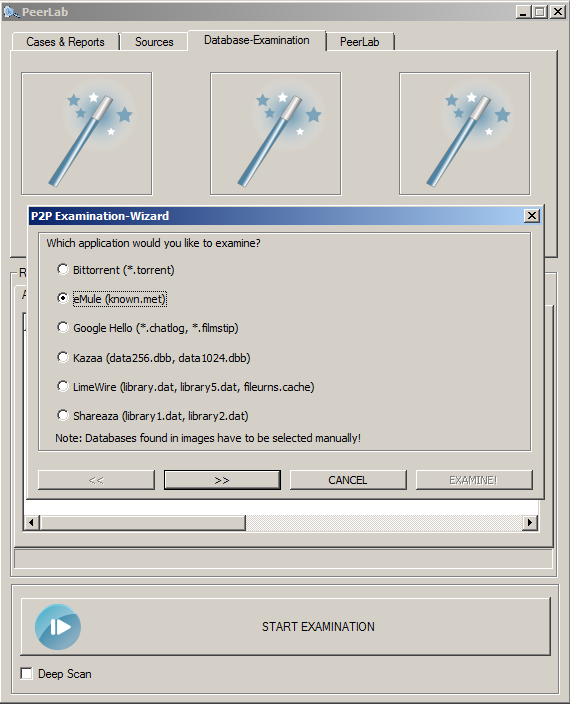
The next step is to select the application you would like to investigate. In this example eMule was chosen.

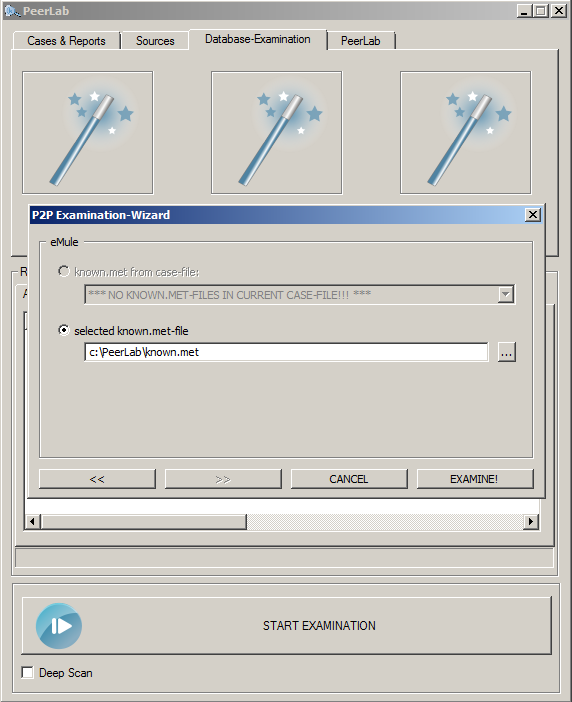
Emule's known.met stores a lot of information about transfered files. Locate the known.met with the file-chooser or pull it into the dialog-box (drag and drop) and push the "examine"-button.

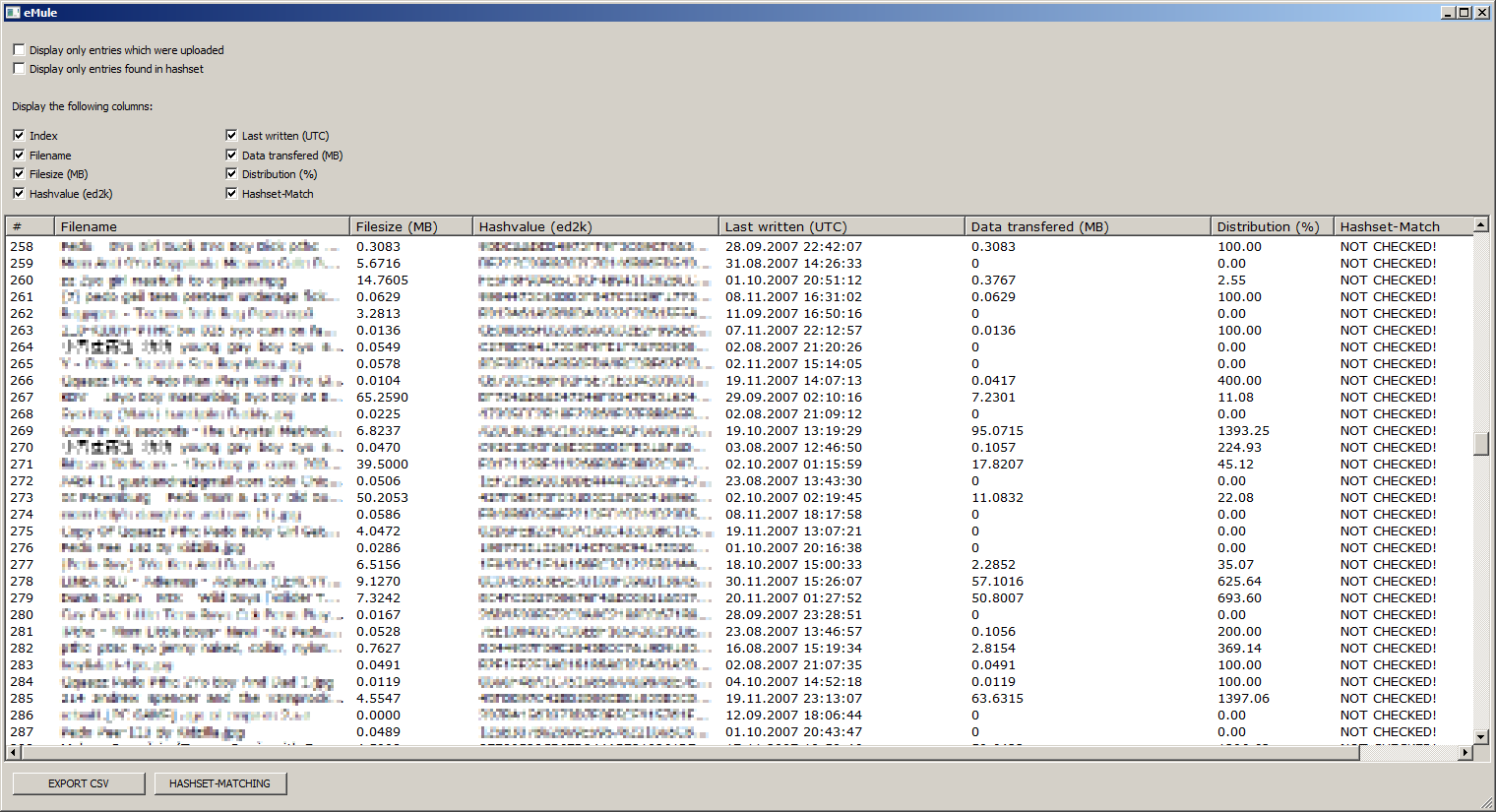
The results are displayed instantly giving you the information displayed below (comment: the filenames and hashvalues where pixelated). The "data-transfered" column gives you the amount of data which was uploaded for that specific file, the distribution shows how much of a file was uploaded.

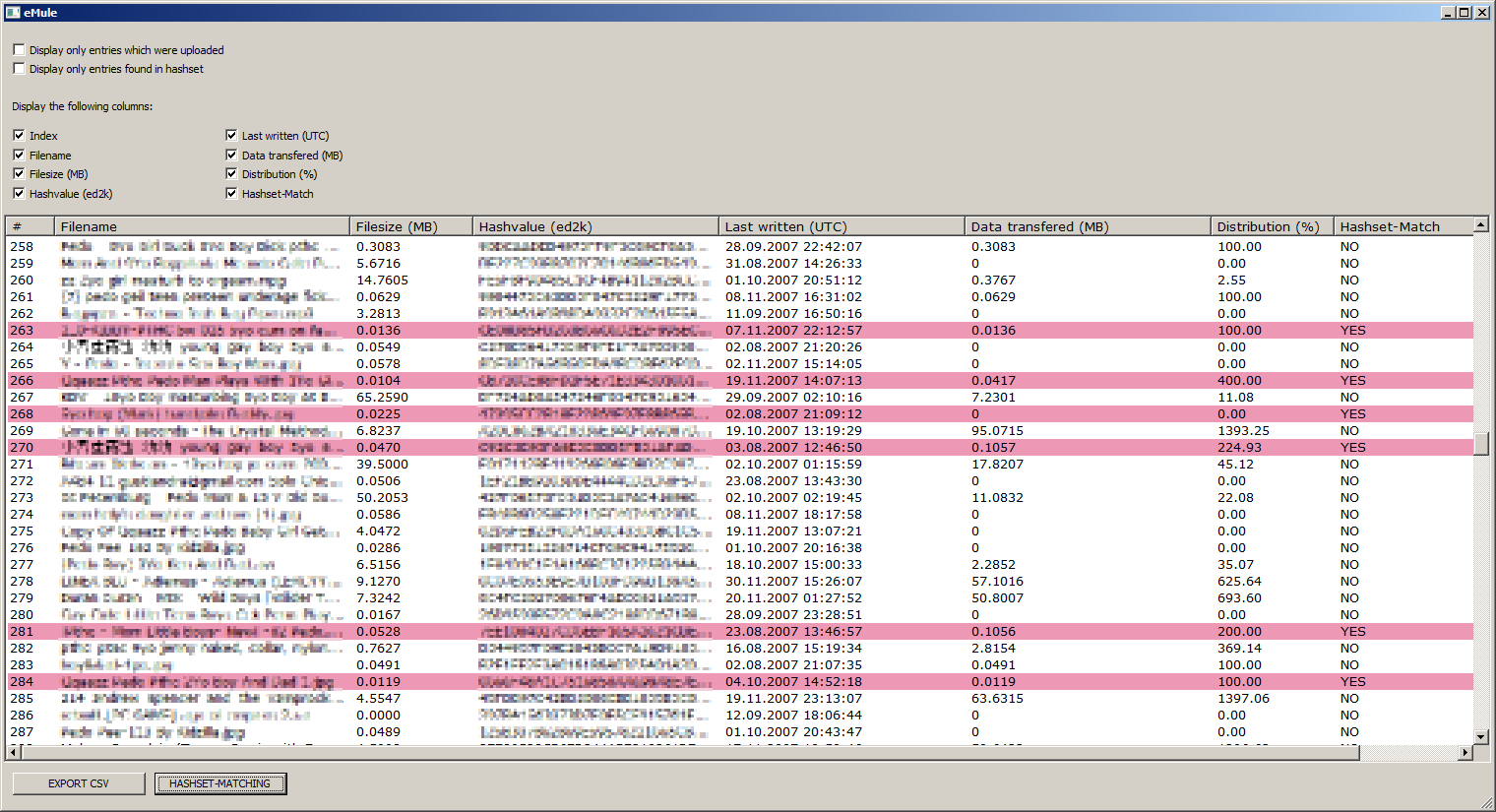
To see if files are present in a hashset-database just click the "hashset-matching"-button. All entries found in a selected hashset will be marked in light red as shown below:

It is possible to exclude certain rows (only uploaded entries, only entries in hashset) and columns (name, hash-value, ...). The displayed selection can be exported to a CSV-file which then can be processed with "OpenOffice Calc" or "Microsoft Excel".
